Your first clips
A clip is one thing you copied, kept by ClipMate. There's nothing to turn on: while ClipMate is running, it captures each copy.
Capture some clips
-
Select each line below in turn and press Ctrl+C:
ApplesBreadCoffee -
Click the ClipMate icon in the system tray.
Each line is now a clip at the top of the Inbox collection, newest first, with the time you copied it and the program it came from.
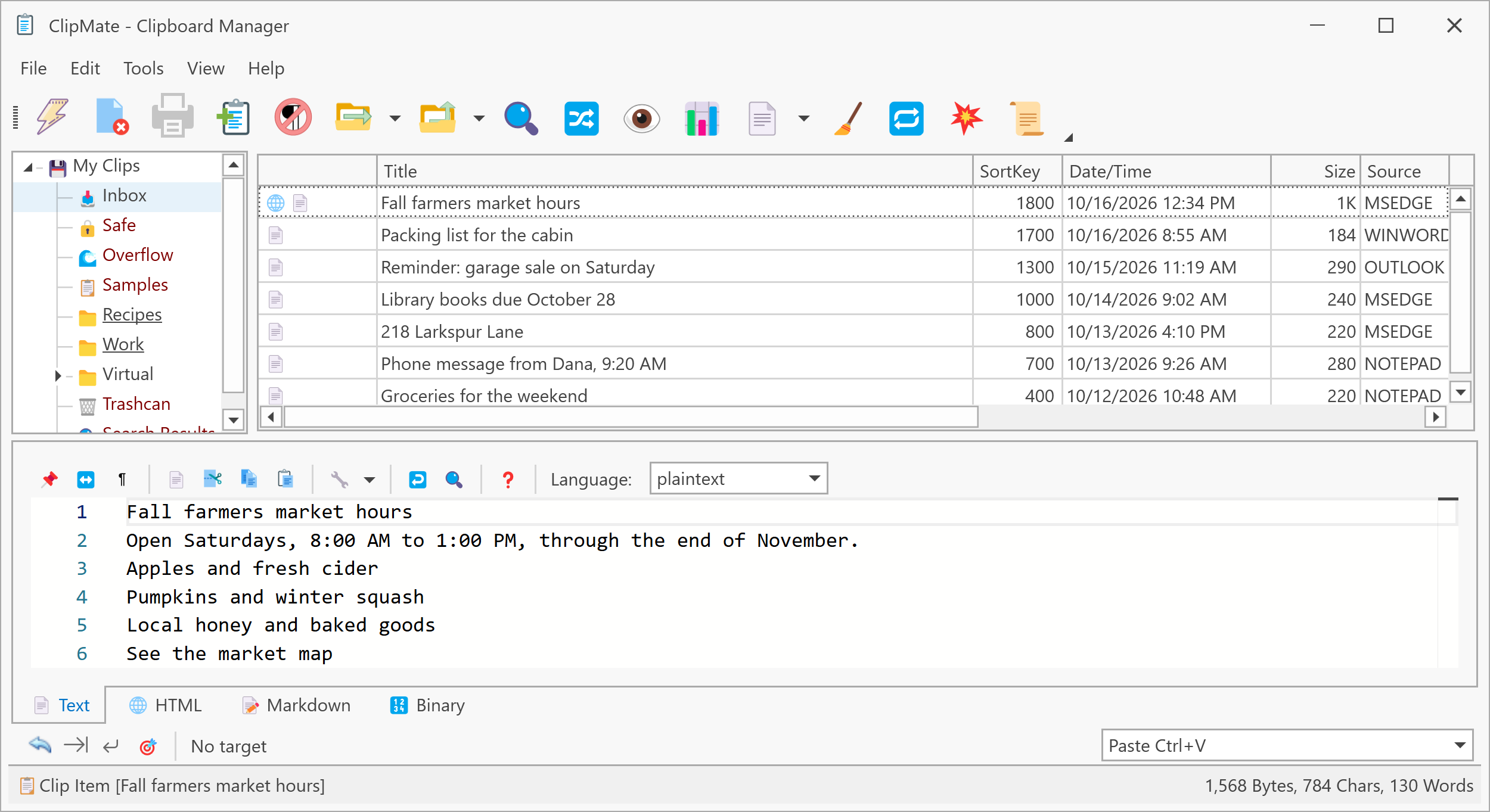
Paste an earlier clip
- Click Apples in the clip list. ClipMate puts it on the clipboard.
- Switch to any program you can type in, such as Notepad.
- Press Ctrl+V.
You've just pasted something you copied two copies ago, which the Windows clipboard alone can't do.
Keep a clip
ClipMate removes the oldest clips from the Inbox as new ones arrive, so anything you want to keep belongs in another collection. The Safe collection never deletes clips by itself.
Drag Apples from the clip list onto Safe in the collection tree on the left.
Next step
ClipMate has two windows for different jobs. See The two windows.